



Connecter un contrôleur USB

Avec
Aamir YaqubLes contrôleurs et le matériel USB te permettent vraiment d'étendre les fonctions intégrées de Logic Pro. Voyons comment connecter ce type d'appareils.
Le contenu du cours
12 leçons (1h 20min) · 1 gratuites
01. Introduction à la création de beats
Leçon gratuite0:33
02. Qu'est-ce que le MIDI
1:07
03. Connecter un contrôleur USB
Tu es ici1:46
04. Enregistrer avec un contrôleur USB-MIDI
9:08
05. Fonction cachée : Capture Recording
3:09
06. Quantisation
6:38
07. Outils d'édition dans le Piano Roll
13:24
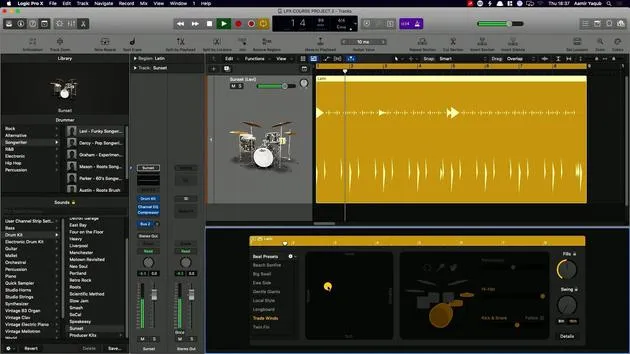
08. Créer des beats avec Drummer
6:42
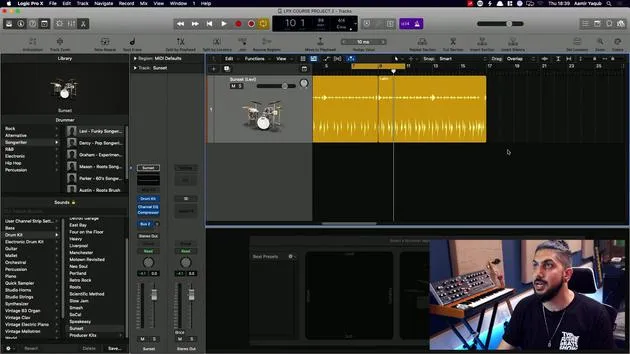
09. Tirer le meilleur de Drummer
13:55
10. Paramètres avancés dans Drummer
4:32
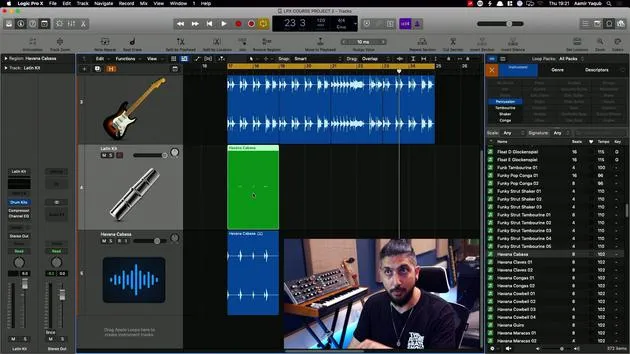
11. Créer des beats avec Apple Loops
10:16
12. Parcourir les loops et utiliser les métadonnées des loops
9:17
Transcription de la leçon
Understanding MIDI Controllers in Logic
So now you have an idea of what MIDI is. How do we get information into Logic?
Using MIDI Controllers
We use MIDI controllers, which come in different shapes and sizes (different form factors, as we call it).
Entering Note Information
What we want to do is take our MIDI controller and:
- Enter note information
- Hit a pad to trigger drum sounds
Example: Novation Mini Nova
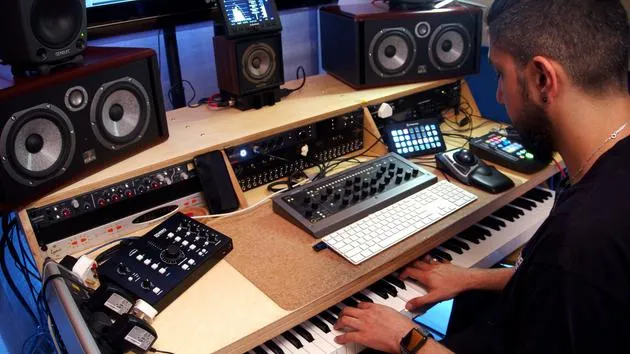
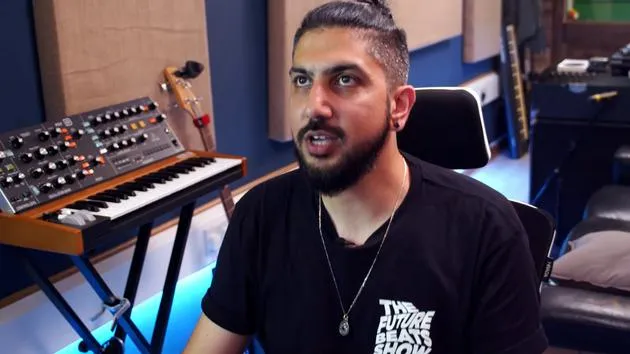
I have various different MIDI controllers around the studio. Here, I have my Novation Mini Nova, which allows me to enter note information via the keys.
- I can play chords and melodies.
- I'll connect this very simply via the USB port.
- Connect the USB Cable:
- Plug the USB cable into the port on the Mini Nova.
- Now it will be talking to Logic.
Example: Presonus Atom
If I want to enter information to trigger drum samples, I might reach for my Presonus Atom, which is a small drum pad type controller.
- I can easily plug my cable into the USB port.
- This device will also communicate with Logic.
Differences
It's worth noting that this MIDI controller is different from the one shown before:
- It doesn't have a keyboard.
- I use it primarily for triggering drum samples and sometimes even creating melodies on the fly.
12 leçons
1h 20m de leçons vidéo structurées
Fonctions vidéo avancées
Ralentissez, bouclez un passage, suivez la partition
Mobile, tablette et ordinateur
Pratiquez où vous voulez
Satisfaction garantie à 100 %
Garantie remboursement 30 jours
Rencontrez votre guru
Rencontrez votre guru
Aamir Yaqub est un producteur et ingénieur du son basé à Londres. Il a travaillé avec certains des plus grands noms de la musique, dont Alicia Keys, David Guetta, Rihanna, Sia et will.i.am, tout en développant des artistes indépendants.
Au fil de ses cours, il enseigne l'intégralité de son flux de travail sur Logic Pro : de l'interface et de l'enregistrement à la création de beats, la synthèse et les effets MIDI, jusqu'au mixage et à la finalisation d'un morceau.







