



Ejercicio - Entender el navegador - Ejemplo de Hot Swap

Con
Isaac CotecUn ejercicio práctico usando el navegador y el Hot-Swap de Ableton para cambiar rápidamente presets, racks de instrumentos y sonidos en un set de Live que descargas y sigues paso a paso.

Qué incluye el curso
20 lecciones (2h 16m) · 1 gratis
Transcripción de la lección
Hot Swapping in Ableton Live
In this video, we're going to be looking at Hot Swapping and how we can use that with the browser and the way that Ableton works to quickly change sounds, instrument racks, you name it.
What is Hot Swapping?
Hot Swap allows us to pick any device and switch it to another preset. This activity will let you play with how easy it is to change presets and sounds in Ableton Live.
Getting Started
-
Download the Live Set: Go ahead and download the live set that I will be showing throughout this video and follow along with these activities.
-
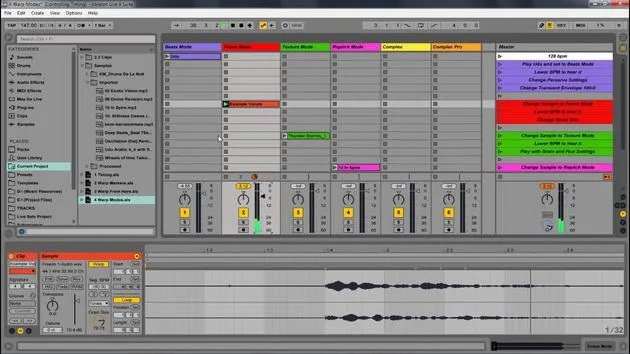
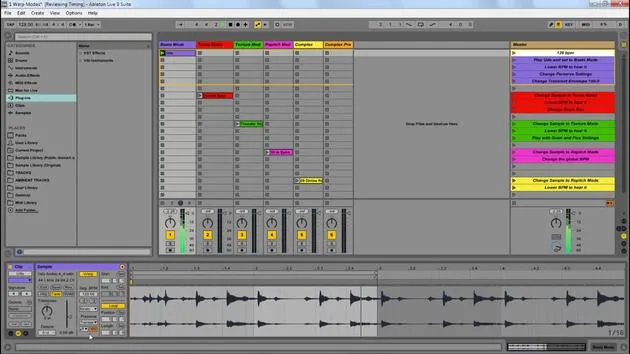
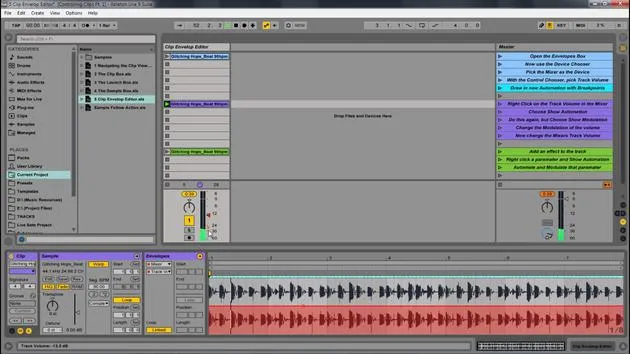
Open the Hot Swap Example Live Set: After downloading, open the Hot Swap example live set. Follow the instructions on the master track, which will include changing presets and using Hot Swap mode.
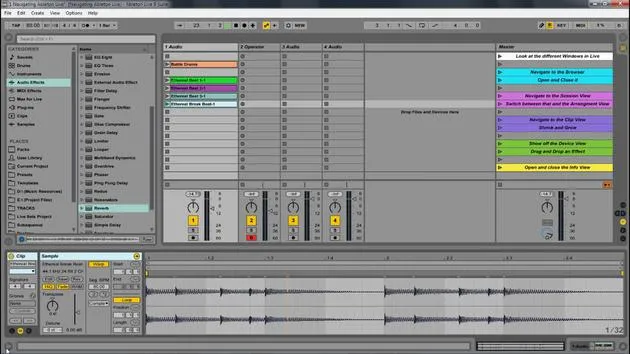
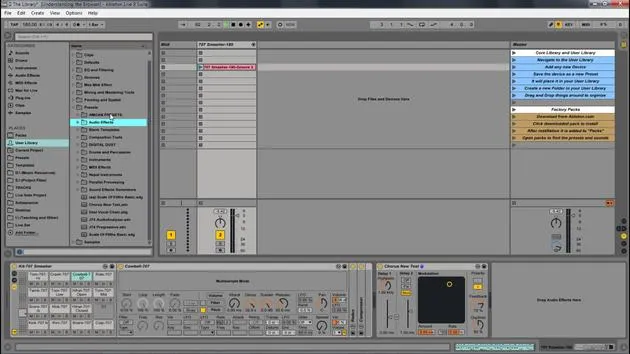
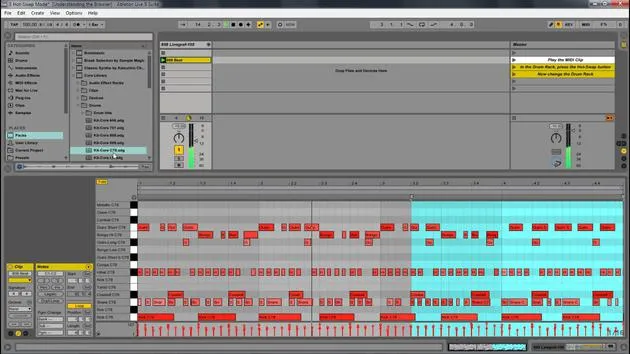
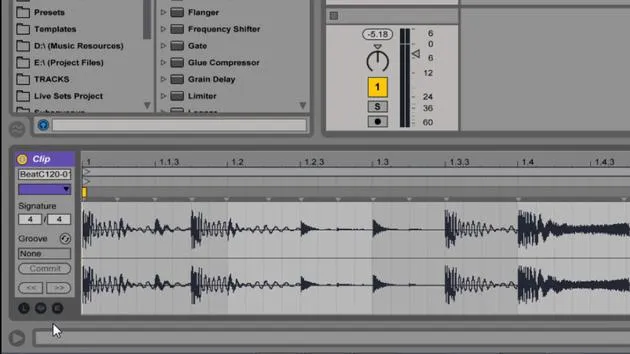
(This image shows what Hot Swap is. Right at the top here, we have this button, and it's on any device. If you click that, you'll enter into Hot Swap mode.)
Using Hot Swap
Step-by-Step Process
-
Select Your Track: Start on the master track, and play the different parts.
-
Switch Sounds: Let's say we're producing something and want to switch some different sounds, perhaps the pluck, the glide, or other parts.
- Solo the device you want to change.
- Press the Hot Swap button to enter the browser with different instruments.
- You can click on each instrument, and it will change that sound immediately in your track.
-
Experiment with Different Instruments: Keep searching for the exact sound you need.
Adding Audio Effects
-
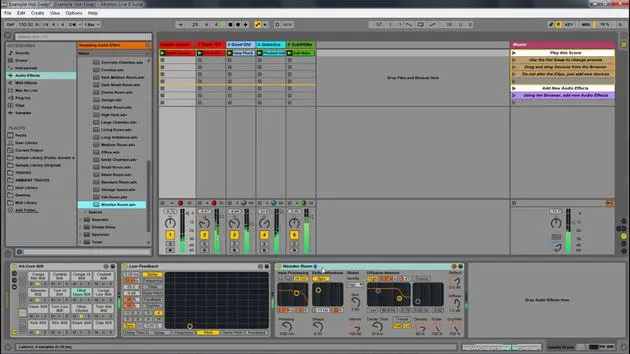
Feel free to drag and drop devices. For example, let's add Grain Delay to the drums.
- Once you hit the Hot Swap button, it will give you all the different presets for that specific device.
- You can select from various presets and hear the changes in real time.
-
Applying Effects to the Master Track: To showcase the effect more prominently, put it on the master track.
- Hit the Hot Swap button again to change presets and find the one that fits your song.
Key Benefits of Hot Swapping
Hot swapping allows you to quickly and easily navigate through presets in Ableton Live without the need to dig into the browser each time. It streamlines your workflow, letting you focus more on creativity rather than navigation.
Conclusion
Once you download the live set, you can follow along with the different steps I provided and start changing out these presets to the ones that you prefer.
Start playing with this idea of Hot Swapping in Ableton Live, and explore the vast possibilities of sound manipulation!
20 lecciones
2h 16m de lecciones en vídeo estructuradas
Funciones de vídeo avanzadas
Ralentiza, repite un pasaje, sigue la partitura
Móvil, tablet y ordenador
Practica donde quieras
Garantía de satisfacción 100%
30 días de garantía de devolución
Conoce a tu gurú
Conoce a tu gurú
Isaac Cotec es, posiblemente, ¡uno de los mejores formadores de Ableton del mundo! Mientras trabajaba en su propia música, empezó a enseñar técnicas de grabación, diseño sonoro y Ableton Live a alumnos particulares y, desde que obtuvo su certificación como Ableton Certified Trainer oficial, ha ayudado a miles de productores a mejorar su nivel y triunfar como músicos.
Isaac comenzó a producir música electrónica en 2005 con Psyche Sonics, un grupo experimental que trabajaba con la ciencia y la investigación de los binaural beats y la alteración de la consciencia a través del sonido. Tras salir de gira, siguió componiendo música bajo el alias Cotec y más tarde surgió como el artista Subaqueous, fusionando su pasado electrónico con técnicas de producción tanto futuristas como orgánicas. Hasta la fecha ha publicado 3 álbumes y 4 EPs.
Isaac es también fundador y gerente del sello discográfico Invibe Music, que representa a algunos de los mejores artistas de música electrónica del Pacífico Noroeste y se especializa en dance de midtempo.
En sus cursos de Ableton Live, Isaac comparte las técnicas de producción, diseño sonoro y composición que ha pasado años perfeccionando: justo las habilidades que emplea para convertir la chispa de una idea en un tema terminado.







