



Making beats using Drummer

With
Aamir YaqubAdd a virtual drummer to your audio project. You can choose from different genres, and choose different drummers in each genre. Each drummer has a specific drum kit and playing style.
What's in the course
12 lessons (1h 20m) · 1 free
01. Intro to Making Beats
Free lesson0:33
02. What is MIDI
1:07
03. Connecting USB controller
1:46
04. Recording with USB-MIDI controller
9:08
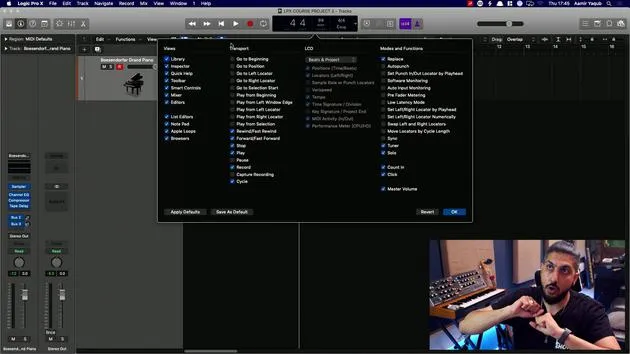
05. Hidden feature - Capture recording
3:09
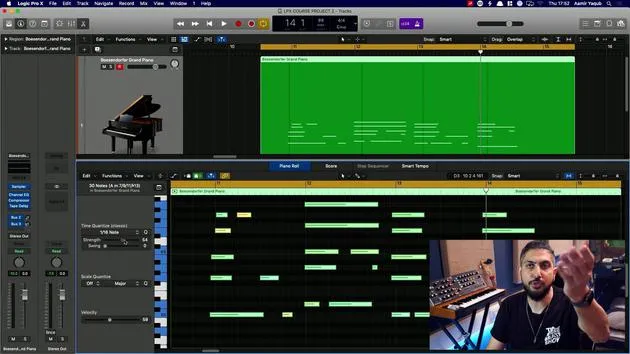
06. Quantizing
6:38
07. Editing tools in the Piano Roll
13:24
08. Making beats using Drummer
You are here6:42
09. Getting the best out of drummer
13:55
10. Advanced parameters in Drummer
4:32
11. Making beats using Apple Loops
10:16
12. Browsing Loops and using Loop metadata
9:17
Lesson transcript
Understanding Drummer
So we've taken a brief look at Drummer before. Let's spend a bit more time looking at what it is, and let's start by defining it.
What is Drummer?
Drummer is a virtual drummer that essentially works with you on whatever you're working on.
- For example:
- If you're a singer-songwriter needing a beat behind you, similar to playing with a live drummer.
- If you're an electronic producer who struggles with programming beats or finds it one of your weaknesses, Drummer can help.
Virtual Drummer, or as we know it in Logic as Drummer, is a tool that can enhance your productions and songs rhythmically.
How Drummer Works
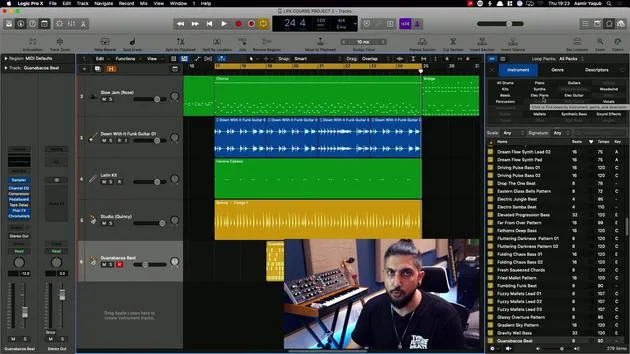
As we've previously discussed, the regions you see are usually signified in yellow. They resemble waveforms but aren't adjustable like MIDI data.
-
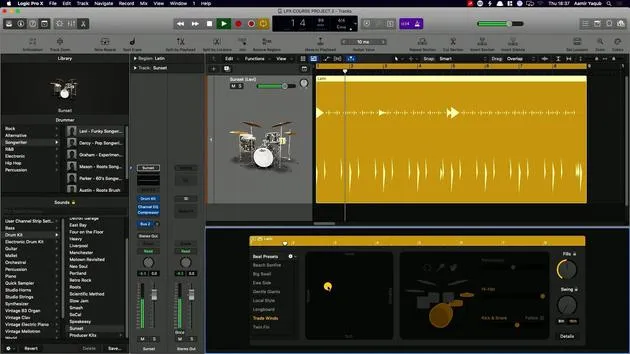
Click or Double Click: When you click or double-click on a drummer region, a set of parameters appears that you can change.
-
Library Overview: Before diving deeper into those parameters, let's explore the library itself.
- Press Y when on a drummer track to access.
- At the top, you'll see the selected drummer, along with all relevant information.
- For instance, Isabella, who draws inspiration from multicultural sounds in her hometown of Miami.
- Different genres feature different drummers. In the songwriter genre, we have Levi, a funky songwriter.
Drummer Kits and Patterns
- Each drummer comes with their own kit and a set of preset patterns they play.
Example with Levi:
-
We can listen to Levi's basic pattern. When we click on his name, we hear:
- Levi is playing a kit that came with the selection.
-
Kit Selection:
- You can switch to a different kit.
- For instance, let's try the Slow Jam Kit.
- Or, perhaps the Sunset Kit.
- You can switch to a different kit.
Preset Patterns
- Once in the editor window of the drummer, you will find these preset patterns.
- Currently listening to Big Swell.
- Let's check out:
- Beach Bonfire
- Trade Winds (Cool choice!)
Utilizing the Settings
You'll notice a drop-down menu with two important options:
- Keep Settings When Changing Drummers: Retain all these settings while switching drummers.
- Keep Drum Kit When Changing Drummers: Maintain the drum kit while trying different drummers.
XY Pad Adjustments
With these settings in play, I'll show you the XY Pad here. Currently, Levi is playing loudly and is centered between simple and complex.
- To adjust:
- I can make him play quieter and simpler by moving the yellow ball down.
Now, let's listen to the difference compared to the previous setting.
Result: You can hear different combinations as you move the ball around the XY pad.
Performance Variation
Consider you want Levi to play later on in the song:
-
Copying Performance:
- Copy the current performance for later use.
- You can then alter some of the presets.
-
Dynamic Transitions:
- The transition might sound different, adding dynamics to the performance.
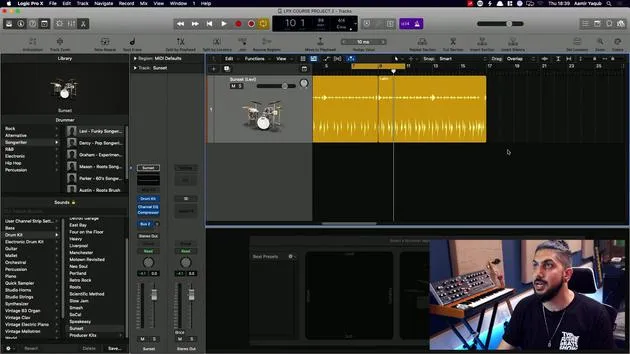
- Hovering over the end of the last region reveals a yellow plus sign, which allows you to create a new region with the same parameters.
This provides additional flexibility in how you utilize Drummer!
12 lessons
1h 20m of structured video lessons
Advanced video features
Slow down, loop a passage, follow along
Mobile, tablet & desktop
Practise wherever you are
100% satisfaction guarantee
30-day money-back guarantee
Meet your guru
Meet your guru
Aamir Yaqub is a music producer and engineer based in London. He has worked with some of the biggest names in music, including Alicia Keys, David Guetta, Rihanna, Sia and will.i.am, as well as developing independent artists.
Across his courses he teaches his complete Logic Pro workflow - from the interface and recording through beat-making, synthesis and MIDI effects to mixing and finishing a track.







