



Working with synth elements

With
Dov Waterman
What's in the course
9 lessons (0h 51m) · 1 free
01. Welcome to the course & Dov's take on creativity
3:29
02. Intro to the writing process
0:23
03. Case study - Dov's track Witches' Whisper
3:22
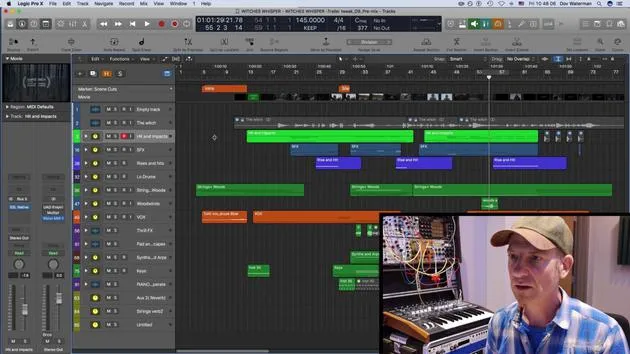
04. Creativity starts with a good template
Free lesson5:08
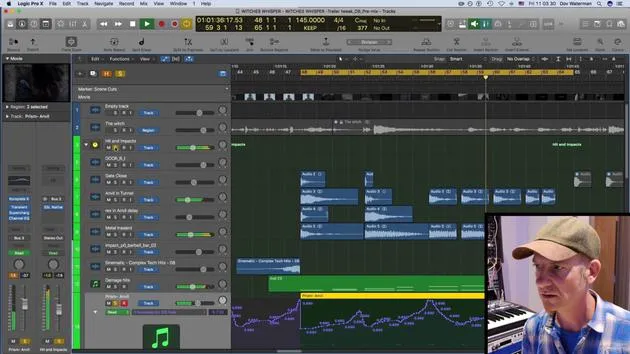
05. Creative automation
6:20
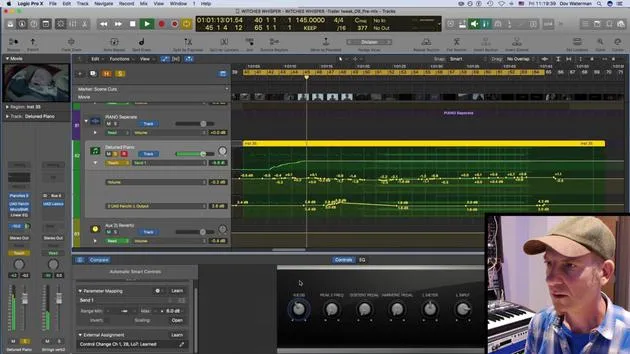
06. Creative sound design and more automation
15:23
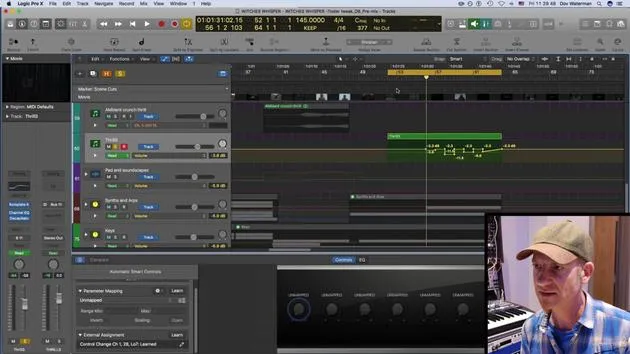
07. Working with orchestral sounds
4:09
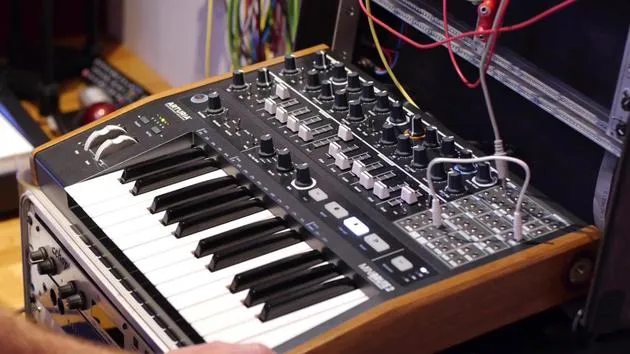
08. Working with synth elements
You are here12:15
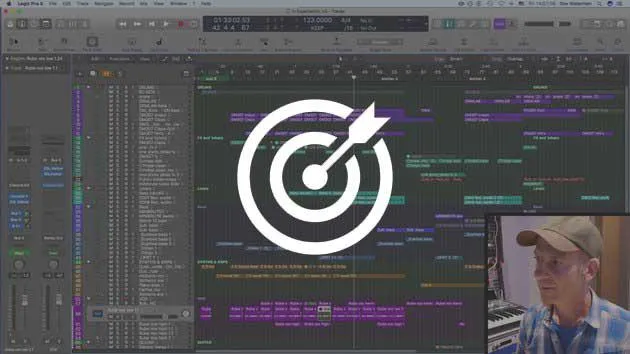
09. CHALLENGE #1: SMART CONTROLS & AUTOMATION
0:55
Lesson transcript
Music Lesson: Working with Synth Elements
Introduction
Today, we're going to look at some synth elements in this track. I'm going to zoom out to view the synths and arpeggiators.
Overview of the Track
-
Section Analysis:
- There's quite a lot going on in this section.
- All elements are organized in a folder, summed out to bus 12 with no processing.
-
Stemming Tracks:
- Having them in a folder is beneficial when stemming out tracks.
- This is crucial for collaboration, as the recipient will determine how files are bounced out:
- Stems
- Individual files
-
My Process:
- Typically, I bounce down eight or nine stems of various groups.
- Afterward, I'll bounce a couple of additional reverb stems.
Listening to Synth Parts
Let's play through the synth section to listen to what the synthesizers and arpeggiators are doing.
"This section gives a little ramp up into the next part of the queue."
Adding an Arturia MiniBrute 2
I'm going to add another layer using my Arturia MiniBrute 2, a new hardware analog synthesizer.
Layering Intentions
- The goal is to add a layer of intensity that is:
- Clangy
- Metallic
- Organic yet very metallic
Setting Up the MiniBrute
To connect the MiniBrute to Logic, I'll go to the external instrument section:
-
Logic Utility:
- Set to mono, as the MiniBrute is a monosynth.
- Select MIDI channel one for input.
-
Connecting to Apollo:
- Ensure the audio input is set to channel one on my Apollo UAD interface.
Synth Setup
I've copied down a bass line playing a dry, boomy filtered sound. I'll have the MiniBrute play the same line but with a different voice.
Synchronizing MIDI
To sync Logic's internal clock to the MiniBrute:
- Go to Preferences > MIDI Sync.
- Set Logic's MIDI clock to transmit to destination one.
"It's important to note that with multiple synths, Logic can become jumpy."
Recording the Sound
- I will record the MiniBrute's output while playing a MIDI region.
- I'll set up a new audio channel to capture the sound:
- Input one on the Apollo.
- Turn on record and input monitoring.
Adjusting Levels
- Ensure levels are not clipping.
- I aim to set it about six decibels below the peak.
Recording Process
- I'll turn off low latency mode and hit record.
- Focus on aligning the MIDI with the synth's tempo:
- Use triplets for a smoother initial attack.
Final Thoughts
After recording a few takes, I'll be ready to move into audio comping in the next section, utilizing Logic's Take Folder feature.
"This extra layer from the Arturia MiniBrute adds a significant tension to the overall track."
9 lessons
0h 51m of structured video lessons
Advanced video features
Slow down, loop a passage, follow along
Mobile, tablet & desktop
Practise wherever you are
100% satisfaction guarantee
30-day money-back guarantee
Meet your guru
Meet your guru
Dov Waterman is a composer, pianist and producer. He has written and designed sound for films including After Earth, Terminator Genisys, Transformers: The Last Knight and The Snowman, and works as a sample-library audio editor and sound designer with companies such as Native Instruments and SonoKinetic.
His Composition in Logic series walks through building a track end to end in Logic Pro - from templates and workflow to synthesis and beat programming, MIDI effects, editing and the final mix - for producers who want to turn their ideas into finished records.







