



Creative automation

With
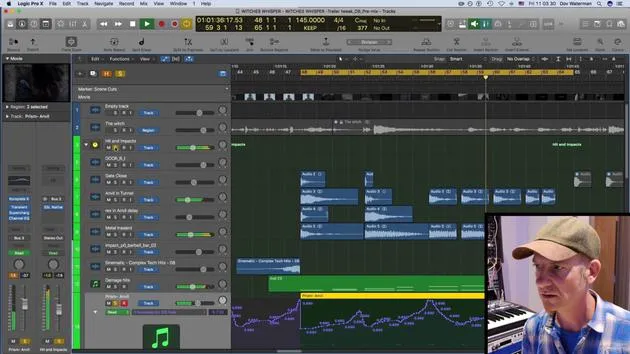
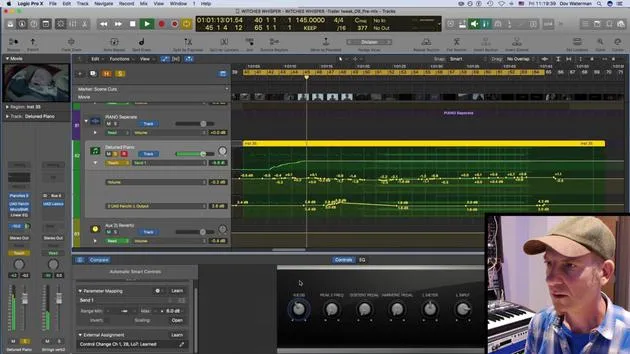
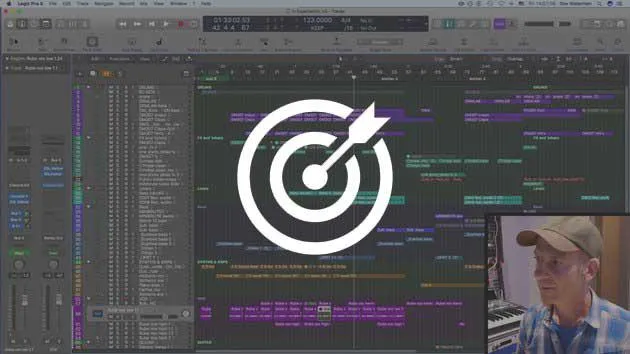
Dov WatermanIn this lesson, Dov gets creative with automation, automating a spherical panner, release time on one of the elements of the track, and rises on volume and reverb.
What's in the course
9 lessons (0h 51m) · 1 free
01. Welcome to the course & Dov's take on creativity
3:29
02. Intro to the writing process
0:23
03. Case study - Dov's track Witches' Whisper
3:22
04. Creativity starts with a good template
Free lesson5:08
05. Creative automation
You are here6:20
06. Creative sound design and more automation
15:23
07. Working with orchestral sounds
4:09
08. Working with synth elements
12:15
09. CHALLENGE #1: SMART CONTROLS & AUTOMATION
0:55
Lesson transcript
Music Lesson on Automation Techniques
Introduction to Automation
In terms of automation, there is a mix of basic and creative approaches:
-
Basic Automation
- Volume
- Panning
-
Creative Automation
- Filters
- Effects
- Creative panning
Example Sound Creation
I had great fun creating this little sound, which I'll play for you in a second.
That was a greatly processed, cut-up, and mixed layered sound of animals pitched down. I did a lot of sound design on this and, obviously, lots of effects. If I just play it without the effect, you can kind of hear what's going on.
- I've bounced this down and used several different samples from various sample libraries.
- I even took recordings of our dog barking and mangled that sound.
Key Features
The main feature of this sound is the panning and how it moves around your head, creating a quite scary effect.
- I used the multi-panner spherical panner in Logic, as it provides binaural panning.
- This panning mimics what is closest to your ears from left to right.
You don't hear it as much in stereo, but if you're recording and mixing in surround with a multi-monitor setup, this really comes into play.
Modulating Pan and Levels
- If I'm modulating the pan, it changes both the pan and levels together, allowing for movement in the soundspace.
- There's a lot of sound design involved here, utilizing samples, audio, and live recordings from various software synths.
Subtle Automation Example
Another example of automation is found in a subtle hit sound from Prism, a Native Instruments sound bank.
- I applied subtle automation on the release time of one of the elements, creating a nuanced sound.
This subtlety adds intensity, especially in the context of other hits and booms within the track.
Genre Dynamics
This track begins from nothing as a trailer typical of the horror and action genres.
- I've gained a reputation for crafting industrial hybrid sounds.
- While there is a formulaic structure, starting off and building to a big climax, there's also room for dynamic expressiveness.
Enhancing Expressiveness
To add expressiveness, a lot of automation is used, including:
- Volume automation
- Reverb automation
- Rises produced by these automations
Practical Demonstration
For example, let's check the piano in the keys section.
- I'll solo this out for a moment so you can feel what's going on.
- I'm using a controller keyboard with a transport section that includes functions for looping and starting playback.
This showcases just the synth work, key sounds, and my piano.
9 lessons
0h 51m of structured video lessons
Advanced video features
Slow down, loop a passage, follow along
Mobile, tablet & desktop
Practise wherever you are
100% satisfaction guarantee
30-day money-back guarantee
Meet your guru
Meet your guru
Dov Waterman is a composer, pianist and producer. He has written and designed sound for films including After Earth, Terminator Genisys, Transformers: The Last Knight and The Snowman, and works as a sample-library audio editor and sound designer with companies such as Native Instruments and SonoKinetic.
His Composition in Logic series walks through building a track end to end in Logic Pro - from templates and workflow to synthesis and beat programming, MIDI effects, editing and the final mix - for producers who want to turn their ideas into finished records.







