



Cómo grabar batería con el método de Glyn Johns (5 micrófonos)
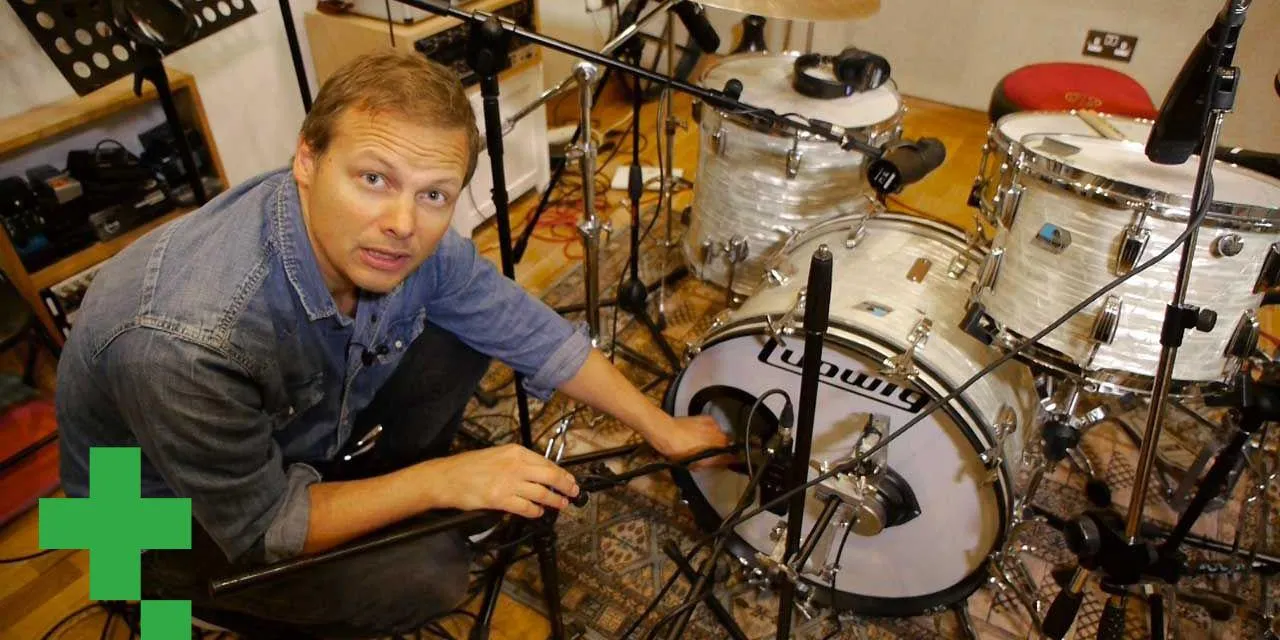
En esta lección online de grabación de batería, Nik Bjerre de Tileyard Studios en Londres explica el método Glyn Johns y cómo conseguir un gran sonido con 5 micrófonos.
Qué incluye el curso
20 lecciones (2h 11m) · 1 gratis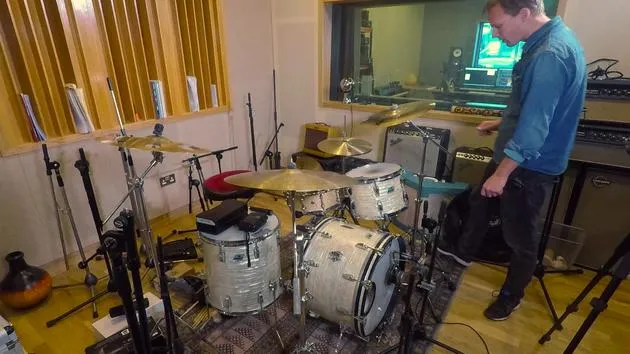
01. Cómo microfonar de cerca una batería, grabando con una configuración de 13 micrófonos
14:49
02. Repaso: cómo grabar batería con 13 micrófonos
2:25
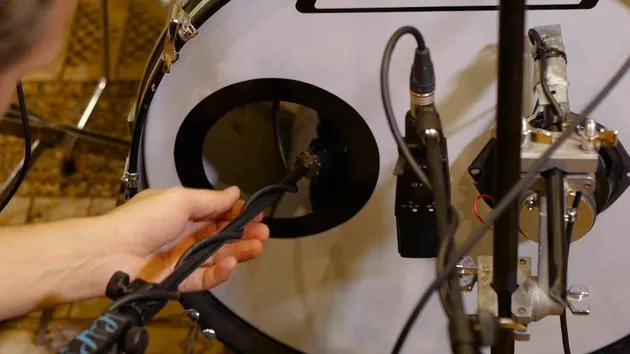
03. Tipos de micrófono y colocación
3:19
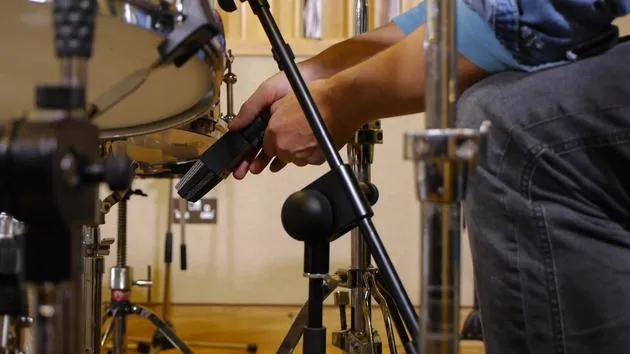
04. Tipos de micrófono y colocación
Lección gratis7:33
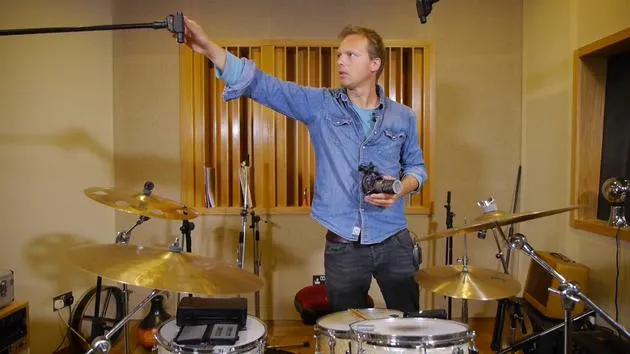
05. Tipo y colocación de los micrófonos aéreos
3:50
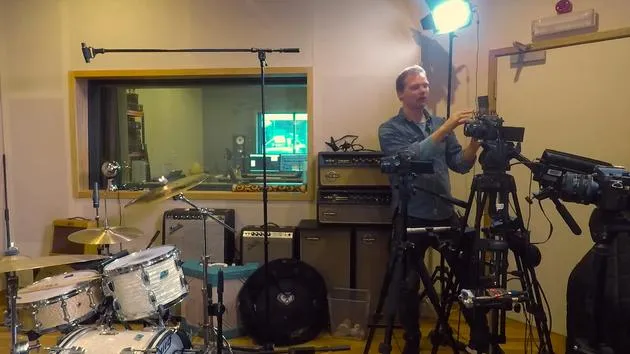
06. Micrófonos de sala: tipo y colocación
1:46
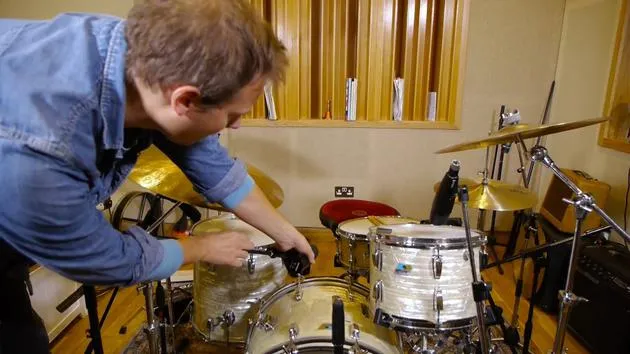
07. Micros de toms: tipo y colocación
5:27
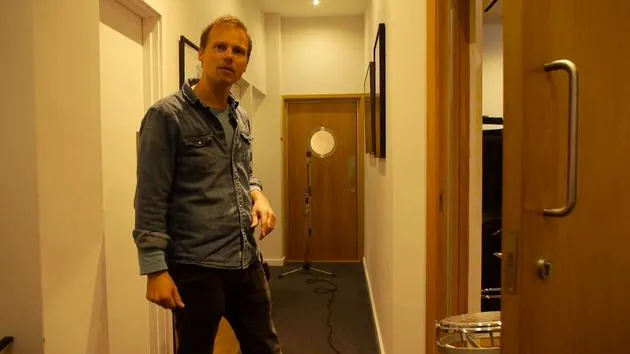
08. Tipos de micrófono de sala y colocación
2:20
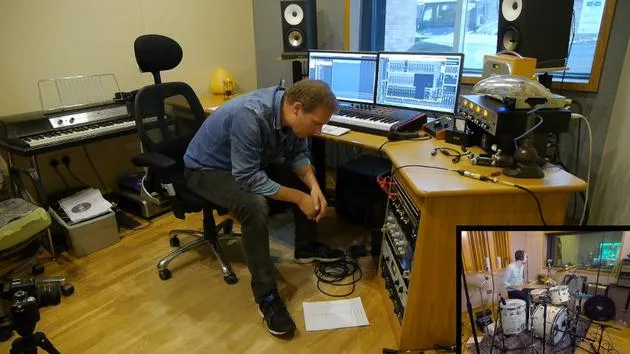
09. Ajustar los niveles del previo
15:29
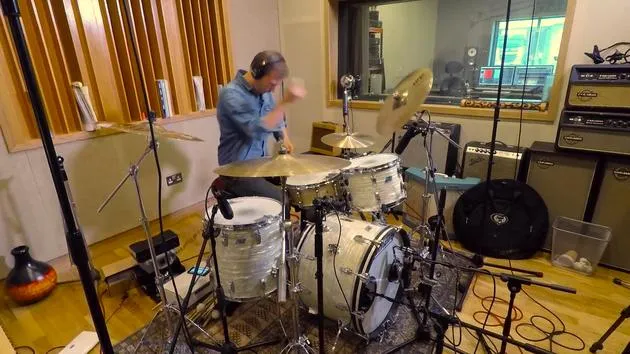
10. Toma de grabación n.º 1
2:13
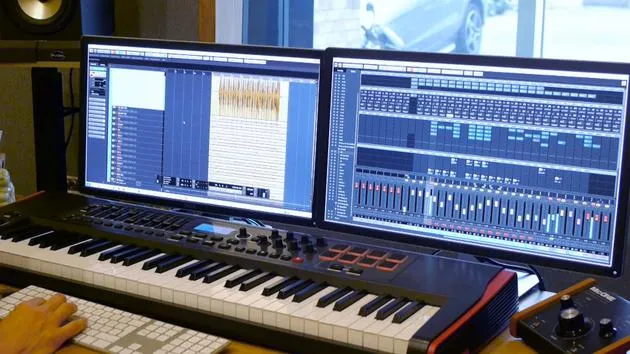
11. Ajustes de la toma n.º 1
6:52
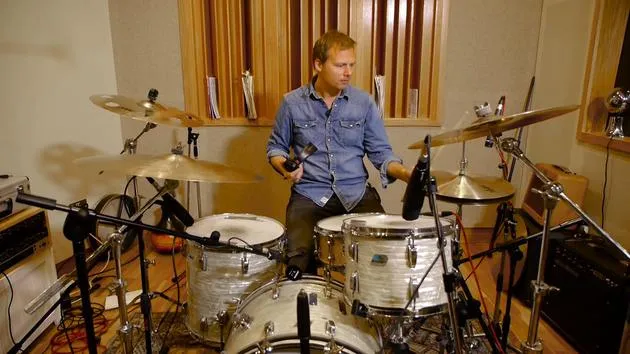
12. Grabando la toma n.º 2
2:09
13. Finalizar la grabación y cierre del curso
4:41
Transcripción de la lección
Music Lesson: Setting Up the Glyn John's Technique
All right, so we recorded with one mic, and that sounded pretty good. It was useful for putting ideas down. We also have the free mic set up, which sounded pretty close to a good production. We actually have what we needed.
Introducing the Glyn John's Technique
Now, we're going to try the Glyn John's method, where we're going to add a stereo pair of overheads. I'm going to use the Coles ribbon mics, classic old BBC microphones. They sound great as overheads!
Benefits of Coles Ribbon Mics
- Soft Top End: The microphones provide a delicate high-frequency sound.
- Lots of Low End: They round out the sound nicely.
- Smooth Cymbals: The overall drum kit sound is almost ready-produced.
- Old School Grit: This is a good choice for a gritty, old-school sound.
Mic Placement
The way we're going to set these mics up is slightly different than a normal pair of overheads. Usually, you would have one mic left or right, either close spaced or wide spaced.
Glyn John's Setup:
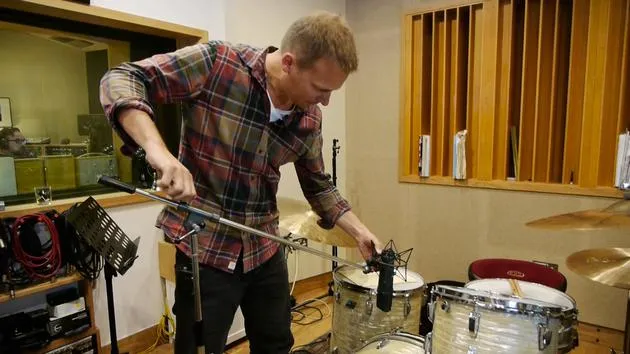
- One Microphone: Place one microphone on top of the kit, pointing down towards the center.
- Second Microphone: Position another mic on the right, pointing towards the hi-hat.
The key to this technique is ensuring that the distance from the two mics to the center of the snare is the same.
"I know it sounds a little bit complicated, but it's basically to achieve perfect phase with the two mics."
This ensures the snare doesn't sound muddy or out of phase, which would hinder its presence.
Setting Up the Mics
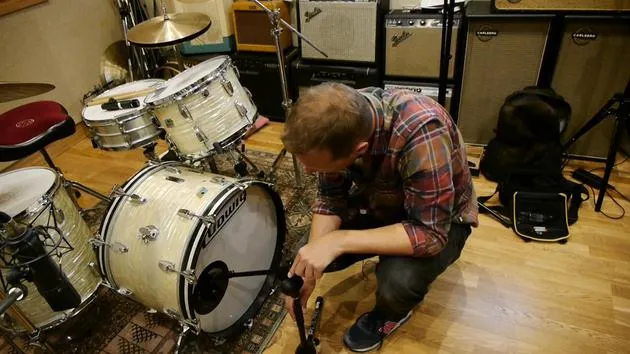
- It's important to measure the distance from the snare drum (where you hit the snare).
- Let's try and set it up and see how it works.
I'll measure about 40-42 inches, that's pretty good! So, I've done it a few times now, and I naturally just set it up.
Final Steps
-
Plug In the Mics:
- Connect to API channel 3.
- Connect the second mic to API channel 4.
-
Set Channels on the Computer:
- We'll try recorded takes and analyze how it sounds.
Achieving Stereo Sound
It's interesting to see how we can achieve a stereo sound. The stereo perspective from this technique isn't the typical left and right.
Panning the Mics
- Panning Guidelines:
- Mic on the left is panned about 30%-20%.
- Mic on the right is panned around 70%-80%.
"If you imagine the panning is like that, from my perspective, it's important to remember when you do this technique. Otherwise, it will just sound very odd."
Balancing Volume
After panning, you need to balance the volume between the two channels. The mic closer to the snare will naturally be a little bit louder due to more cymbal sound picked up.
- Adjustment Tip: Try balancing it down a few decibels from the mic closer to the snare.
Recap
- We have moved the overhead from the free mic setup, now using it as a room mic to capture the ambiance of the room.
- The two ribbon mics are in the Glyn John's position, with the kick and snare set in the same position.
Final Thoughts
We should be good to go! Let's try and record another take and see how it sounds.
There we go!
20 lecciones
2h 11m de lecciones en vídeo estructuradas
Funciones de vídeo avanzadas
Ralentiza, repite un pasaje, sigue la partitura
Móvil, tablet y ordenador
Practica donde quieras
Garantía de satisfacción 100%
30 días de garantía de devolución
Conoce a tu gurú
Conoce a tu gurú
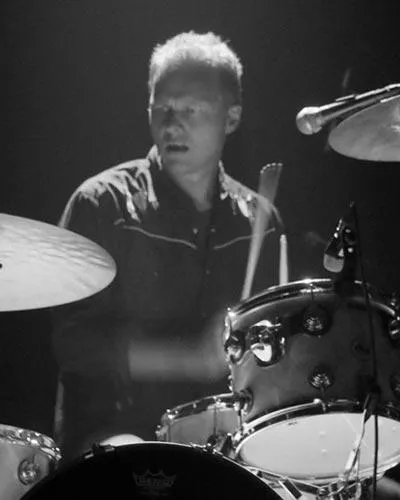
Nikolaj Bjerre es un baterista y productor danés afincado en los Tileyard Studios de Londres, que ha trabajado con artistas y bandas como Lamb, la Ian Siegal Band, Ella Eyre y Heather Nova. Su trabajo abarca la batería en directo, la producción, la programación y la escritura, moviéndose con soltura desde un estilo orgánico y de raíces hasta estilos electrónicos de vanguardia, y cuenta con el respaldo de Sabian, Hardcase y Protection Racket. En este curso te muestra cómo grabar batería en directo con calidad profesional.







