



Erweiterte Parameter in Drummer

Mit
Aamir YaqubEntdecke, wie du Drummer mit den Arrangement-Markern von Logic Pro interagieren lässt, um einige wirklich fortgeschrittene Drummer-Einstellungen freizuschalten.
Das steckt im Kurs
12 Lektionen (1h 20m) · 1 gratis
01. Einführung ins Beats-Machen
Gratis-Lektion0:33
02. Was ist MIDI
1:07
03. Einen USB-Controller anschließen
1:46
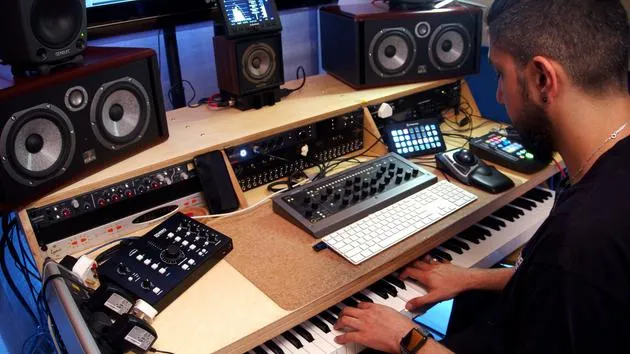
04. Aufnehmen mit einem USB-MIDI-Controller
9:08
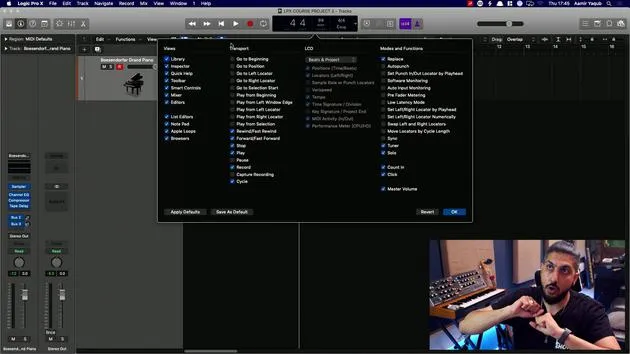
05. Verstecktes Feature – Capture Recording
3:09
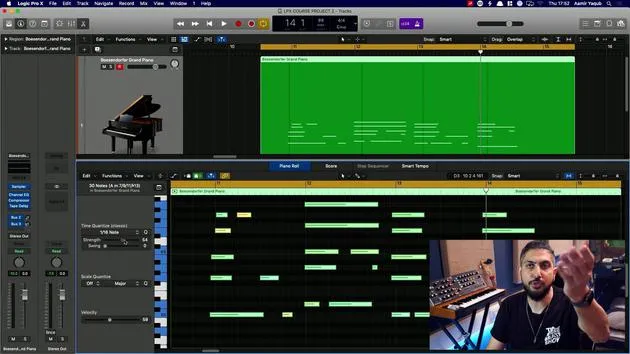
06. Quantisierung
6:38
07. Bearbeitungswerkzeuge im Piano Roll
13:24
08. Beats mit Drummer erstellen
6:42
09. Das Beste aus Drummer herausholen
13:55
10. Erweiterte Parameter in Drummer
Du bist hier4:32
11. Beats mit Apple Loops erstellen
10:16
12. Loops durchsuchen und Loop-Metadaten verwenden
9:17
Transkript der Lektion
Understanding Drummer and Arrangement Markers
One great feature of Drummer is when it interacts with arrangement markers.
What are Arrangement Markers?
Arrangement markers are something we're going to look at when we take a further look into arranging. Here, I have a new drummer track pulled up.
Let's go for some R&B, right?
Arrangement Markers Overview
- Intro
- Verse
- Chorus
- Bridge
- Outro
At the top here, our drummer roles are going to play something that fits those sections very well.
Drummer's Intelligent Interaction
The data and patterns are essentially determined from the drummer reading what is going on in the arrangement markers. It essentially says,
"Yep, I got it. I know what you want for an intro, I know what you want for a verse, and so on."
Example of Transitions
-
Transition from Intro to Verse
You can hear already how it feels like a real drummer. -
End of the Verse to the Chorus
Very cleverly puts in a fill, knowing exactly what to do. -
End of the Chorus to the Bridge
The energy is obviously taken up, and as per usual, you can go in and edit all of this.
More Control with MIDI Regions
We've established that Drummer is quite intelligent, but we may want more control than it actually allows. This is where we convert the drummer region into a MIDI region.
-
Select All Drummer Regions
Right-click and choose Convert to MIDI Region. -
Working with MIDI Data
Now we have all the MIDI data available in the piano roll, allowing for adjustments that weren't possible when working in Drummer.
Important Notes
- When you make changes here, you cannot convert it back to a Drummer region.
- The only option to revert is using Command + Z repeatedly.
Copying and Hiding Tracks
You can select all of the MIDI data, hold Option to copy them down, and then mute or hide that track if desired.
"Do you remember we went over how to hide a track?"
Quick Shortcut for Converting
- Convert to MIDI Region Shortcut:
Control + Option + Command + M
If you frequently convert tracks, learn the shortcut to save time!
Returning to the Original Drummer Track
If you ever need to return to the original Drummer track, just:
- Unhide
- Unmute
Now you can edit the region as you wish.
Making Adjustments
For example, if you see a snare hit that you don't want in the bridge, you can click on it and remove it.
And that is how you would work with Drummer in Logic!
12 Lektionen
1 Std. 20 Min. strukturierte Videolektionen
Erweiterte Videofunktionen
Verlangsamen, Passagen loopen, mitlesen
Handy, Tablet & Desktop
Üben, wo du willst
100 % Zufriedenheitsgarantie
30 Tage Geld-zurück-Garantie
Lern deinen Guru kennen
Lern deinen Guru kennen
Aamir Yaqub ist ein in London ansässiger Musikproduzent und Toningenieur. Er hat mit einigen der größten Namen der Musik gearbeitet, darunter Alicia Keys, David Guetta, Rihanna, Sia und will.i.am, und fördert außerdem unabhängige Künstler.
In seinen Kursen vermittelt er seinen kompletten Logic-Pro-Workflow – von der Oberfläche und dem Aufnehmen über Beatmaking, Synthese und MIDI-Effekte bis zum Mixing und Finalisieren eines Tracks.







