



Logic starten und die Software anpassen

Mit
Aamir YaqubÖffne Logic Pro zum ersten Mal und gehe den Projektauswahl-Dialog, die Vorlagen und die Einstellungen für neue Projekte durch – Tempo, Tonart und Taktart.
Das steckt im Kurs
13 Lektionen (1h 23m) · 1 gratis
01. Willkommen zum Kurs
0:39
02. Was ist Logic?
2:21
03. Logic starten und die Software anpassen
Du bist hier4:55
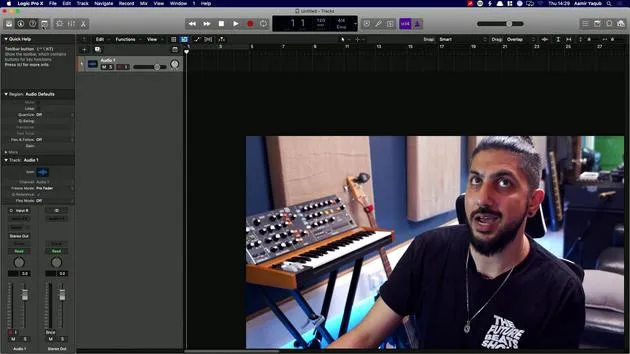
04. Steuerleiste und Anzeigebereich
7:35
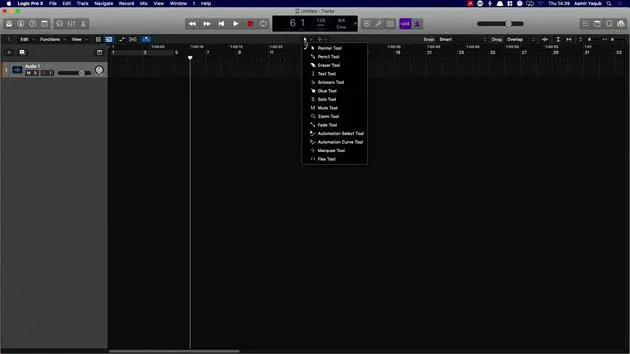
05. Erkundung des Arbeitsbereichs - Linealbereich
5:09
06. Bereich des Spur-Headers
7:35
07. Durch deine ersten Sounds navigieren
7:51
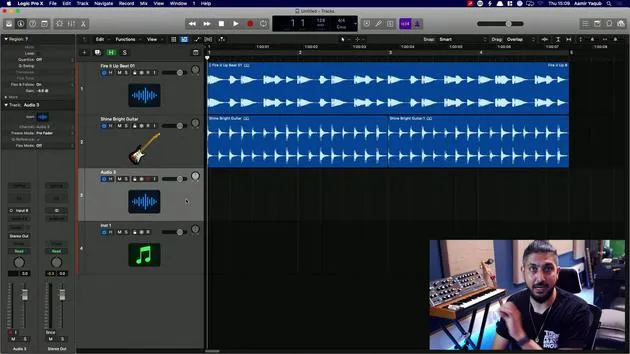
08. Spuren und Regionen verwenden
4:44
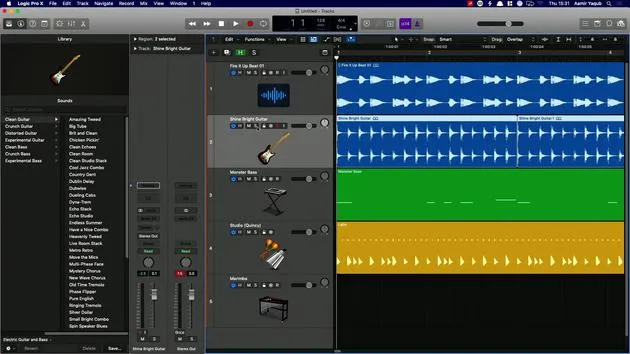
09. Kanalzüge und Plugins
4:35
10. Projekteigenschaften, Speichern, Vorlagen
14:58
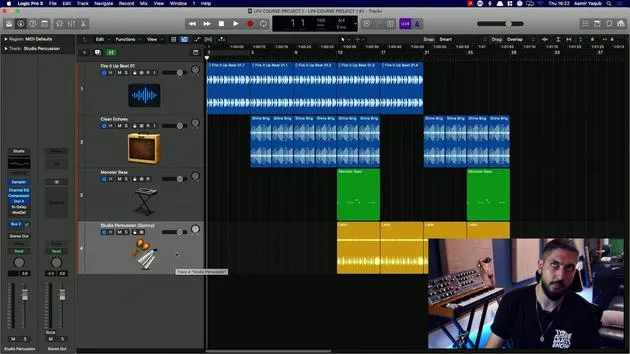
11. Mit Spuren arbeiten
3:42
12. Mit Regionen arbeiten
8:11
13. Regionen schneiden, loopen und cyclen
11:04
Transkript der Lektion
Introduction to Logic Pro X
When we open up Logic and click on the icon to launch it, we are presented with a screen that allows us to do many different things. One option is to open a new project, which could be an empty project or a new Live Loops project.
Overview of Options
On the main screen, we can explore various features:
- Recent Projects: Review your previously opened projects.
- Starter Grid: A quick way to access different templates for Live Loop projects.
- Tutorials: Available tutorials for Live Loops and Step Sequencer.
- Demo Project: Check out Billie Eilish's Ocean Eyes project to see how it was created.
- Templates: Explore the templates that come with Logic. You can also create your own templates, which will appear in the My Templates section.
Setting Project Details
In the Details section, you can set:
- Tempo
- Key Signature
- Time Signature
- Interface used
- Sample Rate
Don't worry if these terms are unfamiliar; we will go through them all. You also have the option to open an existing project.
Creating a New Project
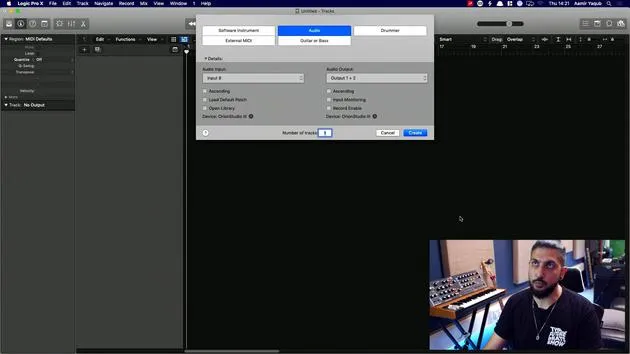
For now, I will open a new empty project:
- Click on Choose.
- Next, I need to create a track. This track can be:
- Software Instrument Track
- Audio Track
- Drummer Track
- External MIDI Track
For this tutorial, I will choose an Audio Track.
Track Creation Process
- In the Details section, select your audio input and other parameters (these specifics will be covered later).
- Click on Create.
Now, welcome to the main window of Logic!
Understanding the Main Window
If the layout looks complicated, that's completely normal; we will break it down into four main sections:
- LCD and Control Bar Area: Located at the top, consisting of the silverish bar.
- Workspace Area: This large empty space is where you will populate all your regions.
- Track Header Section: The area where the track details are displayed.
- Inspector Section: Located on the left, showing region and track parameters.
Additional Section
You might also see the Library Section before continuing.
First-Time User Recommendations
If this is your first time using Logic, check the preferences to enable specific functionalities:
- Go to the Logic Pro X menu.
- Click on Preferences.
- Under Advanced Tools, ensure all options are enabled.
This makes Logic behave more like Logic Pro X and less like GarageBand.
Downloading Sounds
Logic is packed with free sounds, including Apple Loops and instrument patches. To ensure you have everything you need:
- Click on the Logic Pro X dropdown.
- Go to Sound Library.
- Select Download All Available Sounds.
This action ensures you have all the sounds that come with Logic, enhancing your music-making experience. Watch the status bar in the LCD display to see the progress as you download sounds.
Make sure you have everything sorted to maximize your creative potential!
13 Lektionen
1 Std. 23 Min. strukturierte Videolektionen
Erweiterte Videofunktionen
Verlangsamen, Passagen loopen, mitlesen
Handy, Tablet & Desktop
Üben, wo du willst
100 % Zufriedenheitsgarantie
30 Tage Geld-zurück-Garantie
Lern deinen Guru kennen
Lern deinen Guru kennen
Aamir Yaqub ist ein in London ansässiger Musikproduzent und Toningenieur. Er hat mit einigen der größten Namen der Musik gearbeitet, darunter Alicia Keys, David Guetta, Rihanna, Sia und will.i.am, und fördert außerdem unabhängige Künstler.
In seinen Kursen vermittelt er seinen kompletten Logic-Pro-Workflow – von der Oberfläche und dem Aufnehmen über Beatmaking, Synthese und MIDI-Effekte bis zum Mixing und Finalisieren eines Tracks.







