



What is Logic

With
Aamir YaqubAamir Yaqub introduces Logic Pro, Apple's flagship DAW, and what you can do with it - from sketching ideas and recording to arranging, mixing and mastering a finished track.
What's in the course
13 lessons (1h 23m) · 1 free
01. Welcome to the course
0:39
02. What is Logic
You are here2:21
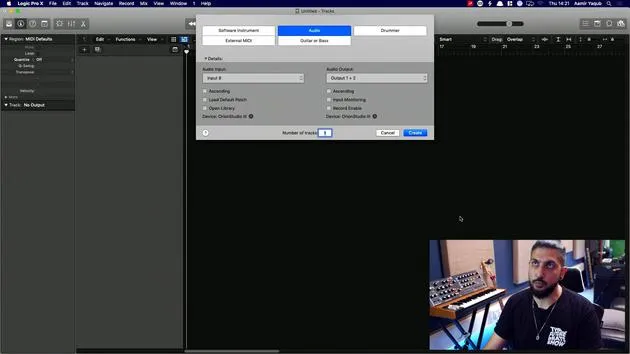
03. Starting up Logic and customizing the software
Free lesson4:55
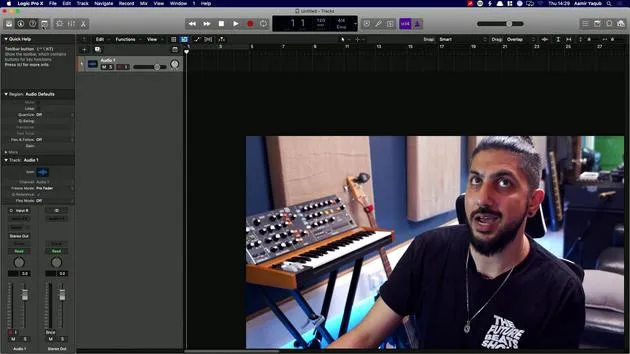
04. Control bar and display area
7:35
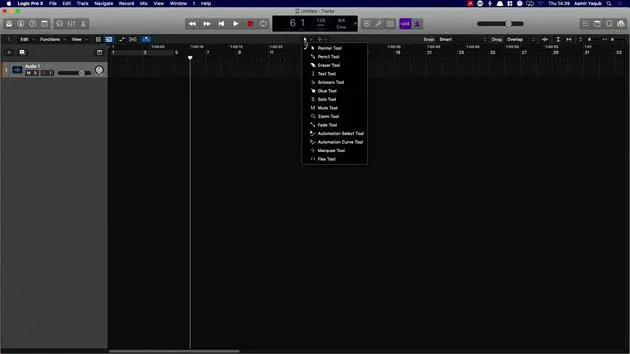
05. Workspace exploration - Ruler area
5:09
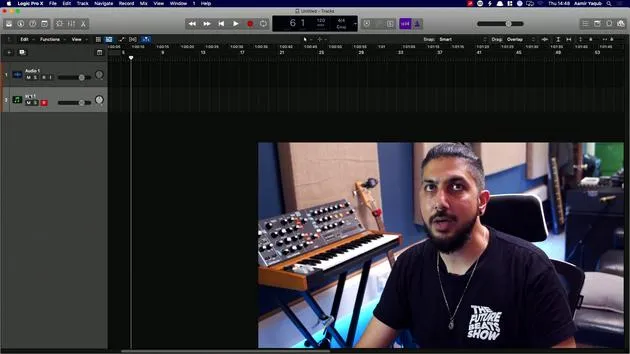
06. Track header area
7:35
07. Navigating your first sounds
7:51
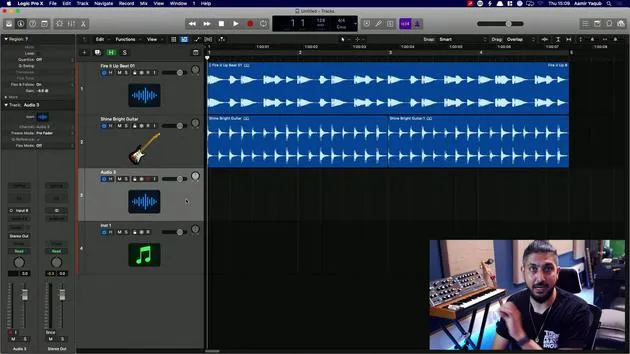
08. Using Tracks and Regions
4:44
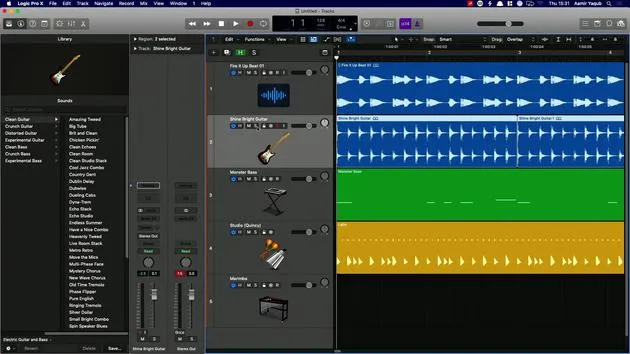
09. Channel strips and plugins
4:35
10. Project properties, Saving, Templates
14:58
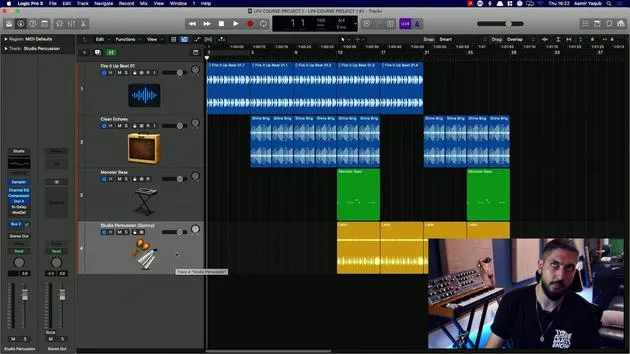
11. Working with Tracks
3:42
12. Working with Regions
8:11
13. Cutting, Looping, Cycling regions
11:04
Lesson transcript
Introduction to Logic Pro X
So what is Logic Pro X?
Well, it's Apple's flagship music production software. It's their digital audio workstation (DAW), which allows you to do everything you need to do from start to finish in order to get your songs completed.
Key Features
- Sketch out ideas
- Record instruments
- Arrange, mix, and master
Logic Pro X is a DAW used by studio professionals all over the world to create anything from:
- A singer-songwriter's EP
- A chart-topping record
- Podcasts
- Movie scores
Any type of musical project can be done in Logic Pro X.
Understanding Digital Audio Workstations
Digital audio workstations allow you to work with and manipulate audio, which may be:
- Audio that you've recorded in
- Pre-recorded audio like loops
Logic Pro X is one of many available DAWs. Others are available on Windows, for instance. However, Logic itself is exclusive to Apple computers, since they acquired the software from a company back in 2002. The software was initially developed in 1993, and so Logic Pro has been around for a very long time.
What Can You Do in Logic Pro X?
Here are some of the things that we can do in Logic:
- Record media information via connected keyboards or MIDI controllers, playing this back via Logic's integrated software instruments.
- Digitally record acoustic and electric instruments or vocal performances for songs, podcasts, or anything else you want to create.
- Process recordings using real-time effects built into Logic.
- Utilize integrated software instruments, external instruments like hardware synths, and add third-party audio unit instruments to Logic.
We can mix both our MIDI and audio tracks to make them sound like a release record.
Additional Features
- Include effects and software-based instrument settings
- Use automation to move things along and change settings on the fly
Exporting Your Work
Of course, when you've done all of this, you can export or bounce all of that audio data into one stereo file. This file can then be sent off for mastering, further processing, or just simply emailed over to someone.
So let's just dive in and take a look at the Logic interface.
13 lessons
1h 23m of structured video lessons
Advanced video features
Slow down, loop a passage, follow along
Mobile, tablet & desktop
Practise wherever you are
100% satisfaction guarantee
30-day money-back guarantee
Meet your guru
Meet your guru
Aamir Yaqub is a music producer and engineer based in London. He has worked with some of the biggest names in music, including Alicia Keys, David Guetta, Rihanna, Sia and will.i.am, as well as developing independent artists.
Across his courses he teaches his complete Logic Pro workflow - from the interface and recording through beat-making, synthesis and MIDI effects to mixing and finishing a track.







