



Connecting USB controller

With
Aamir YaqubUSB controllers and hardware really allow you to expand the built-in features of Logic Pro. Let's explore how to connect such devices.
What's in the course
12 lessons (1h 20m) · 1 free
01. Intro to Making Beats
Free lesson0:33
02. What is MIDI
1:07
03. Connecting USB controller
You are here1:46
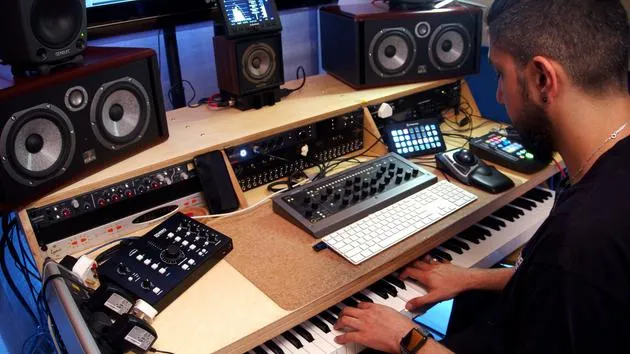
04. Recording with USB-MIDI controller
9:08
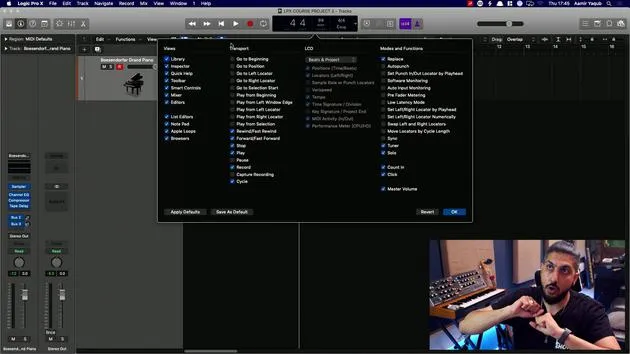
05. Hidden feature - Capture recording
3:09
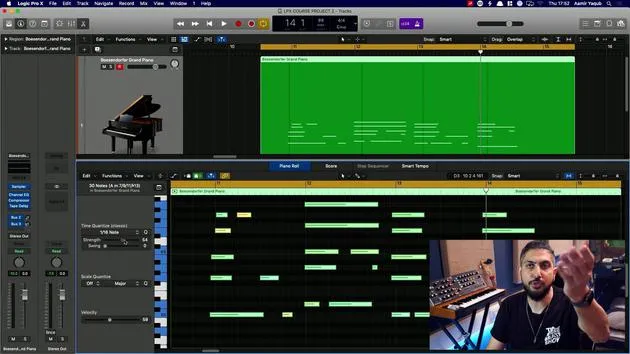
06. Quantizing
6:38
07. Editing tools in the Piano Roll
13:24
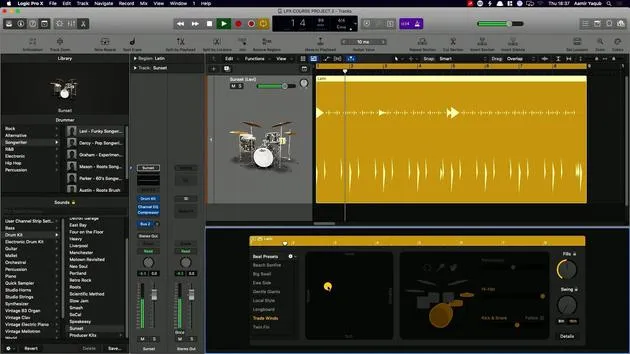
08. Making beats using Drummer
6:42
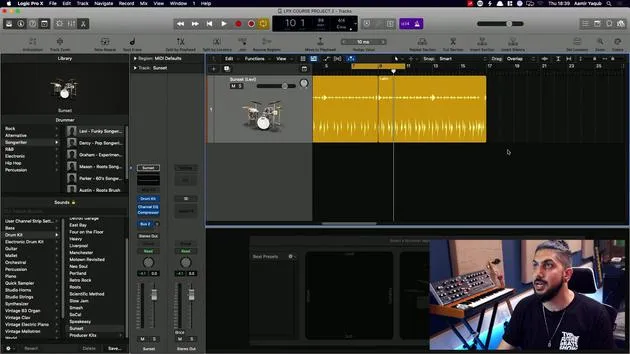
09. Getting the best out of drummer
13:55
10. Advanced parameters in Drummer
4:32
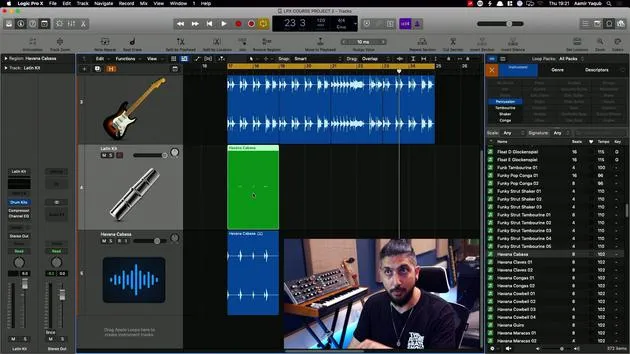
11. Making beats using Apple Loops
10:16
12. Browsing Loops and using Loop metadata
9:17
Lesson transcript
Understanding MIDI Controllers in Logic
So now you have an idea of what MIDI is. How do we get information into Logic?
Using MIDI Controllers
We use MIDI controllers, which come in different shapes and sizes (different form factors, as we call it).
Entering Note Information
What we want to do is take our MIDI controller and:
- Enter note information
- Hit a pad to trigger drum sounds
Example: Novation Mini Nova
I have various different MIDI controllers around the studio. Here, I have my Novation Mini Nova, which allows me to enter note information via the keys.
- I can play chords and melodies.
- I'll connect this very simply via the USB port.
- Connect the USB Cable:
- Plug the USB cable into the port on the Mini Nova.
- Now it will be talking to Logic.
Example: Presonus Atom
If I want to enter information to trigger drum samples, I might reach for my Presonus Atom, which is a small drum pad type controller.
- I can easily plug my cable into the USB port.
- This device will also communicate with Logic.
Differences
It's worth noting that this MIDI controller is different from the one shown before:
- It doesn't have a keyboard.
- I use it primarily for triggering drum samples and sometimes even creating melodies on the fly.
12 lessons
1h 20m of structured video lessons
Advanced video features
Slow down, loop a passage, follow along
Mobile, tablet & desktop
Practise wherever you are
100% satisfaction guarantee
30-day money-back guarantee
Meet your guru
Meet your guru
Aamir Yaqub is a music producer and engineer based in London. He has worked with some of the biggest names in music, including Alicia Keys, David Guetta, Rihanna, Sia and will.i.am, as well as developing independent artists.
Across his courses he teaches his complete Logic Pro workflow - from the interface and recording through beat-making, synthesis and MIDI effects to mixing and finishing a track.







