



Comping dans Logic Pro

Avec
Dov Waterman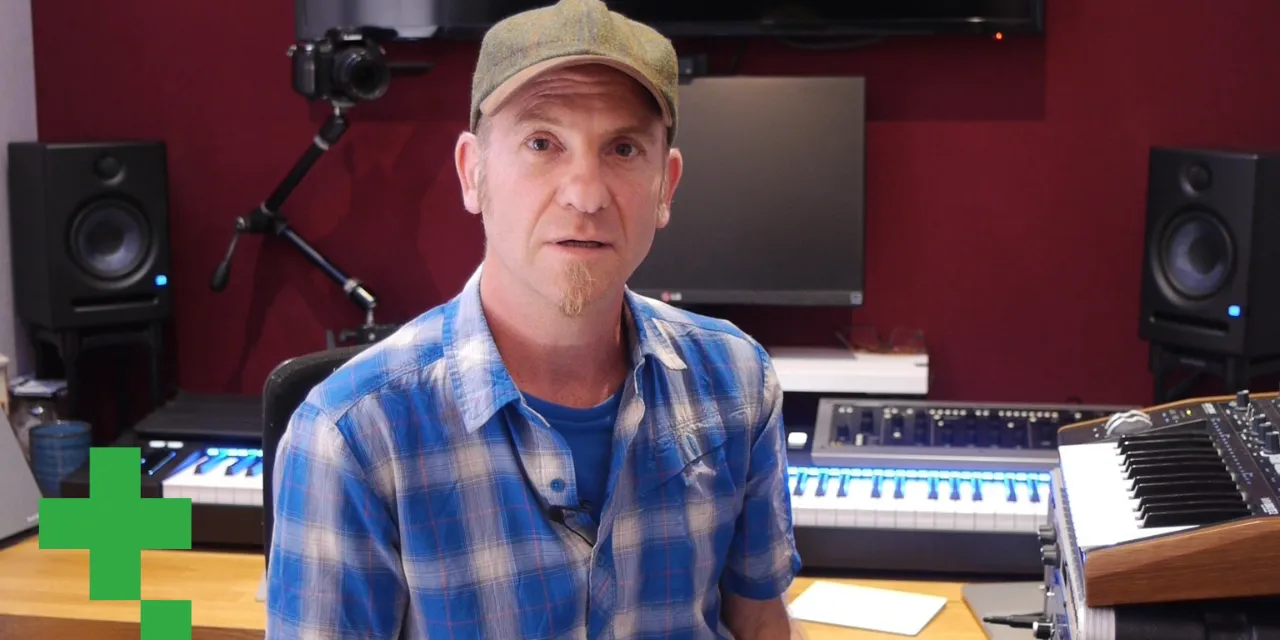
Le contenu du cours
9 leçons (0h 56min) · 1 gratuites
01. Introduction au processus d'édition
Leçon gratuite0:23
02. Comping dans Logic Pro
Tu es ici4:21
03. Comment utiliser Flex Time
4:36
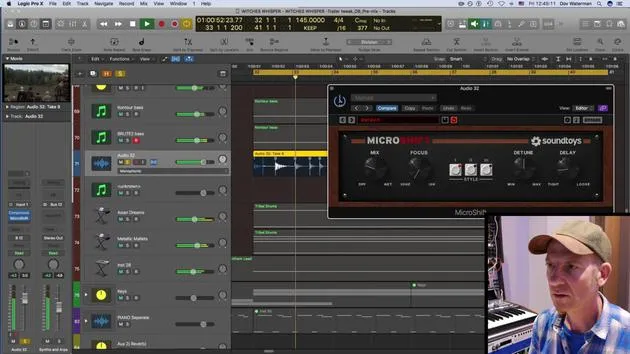
04. Utilisation créative de la compression, du delay stéréo, de l'EQ et de la reverb
9:28
05. Techniques de construction d'un morceau
7:03
06. Travailler avec la matière brute
10:18
07. Trouver des idées créatives
12:54
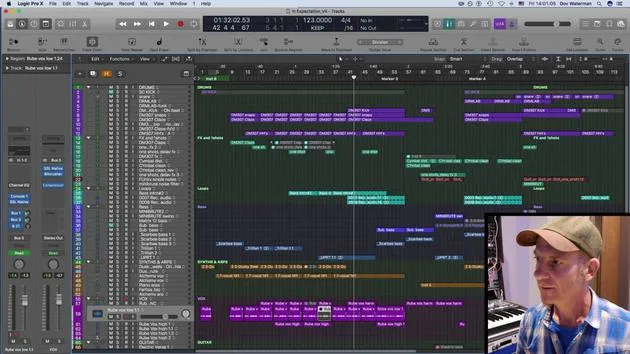
08. Arranger un morceau
6:36
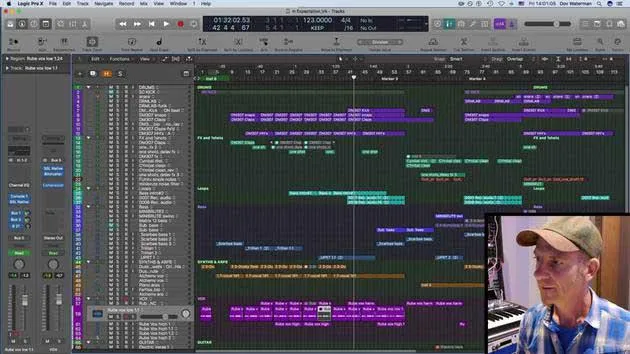
09. EXERCICE : Édition créative
0:35
Transcription de la leçon
Welcome Back to the Creative Writing Process
In this section, we will explore different functions of Logic, comping, flex time, and audio. We'll be working through a couple of different projects of mine.
Overview of the Lesson
We will:
- Continue with the trailer horror track to perform some comping.
- Edit the mini brute sound we've previously worked on.
- Jump into another project for further exploration.
Introduction to Audio Comping
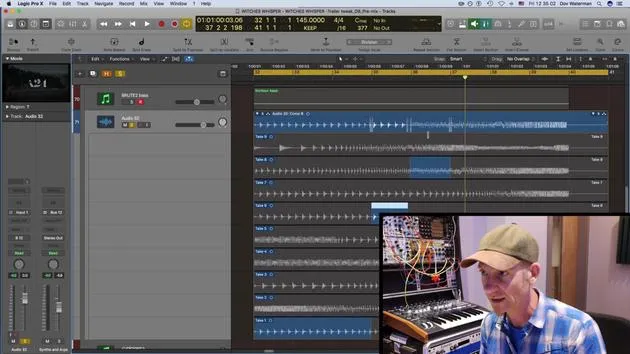
Let's start by listening to the track we recorded with the mini brute. There are a few different takes here. Let's have a quick listen to one or two of them:
"This probably isn't the best bit of audio to try to comp, but we're going to give it a go just to show you what audio comping is."
I won't go into the ins and outs of comping, as it's quite an intricate art, especially when dealing with vocals and other bits of organic material. However, the audio we have is somewhat synced to the beat.
Comping Process
I'm going to take little bits from various sections and see how that works. Here's what I'm currently liking:
- Playing this one over here, isn't it? Comp A.
Let's listen to Comp Take One, this is the original coming in.
I'll quickly perform a few swipe comps.
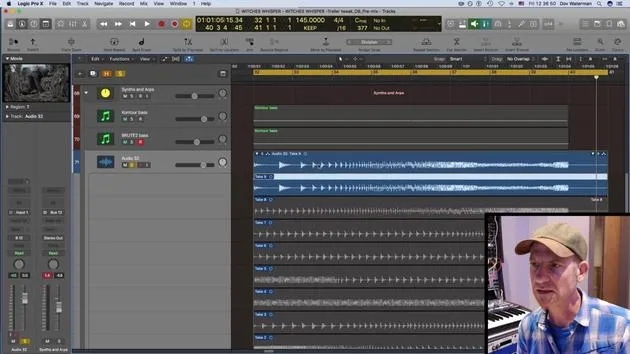
"Comping is basically having all my takes over here and swiping between them."
Target Track Functionality
- Each time a blue section is highlighted, it will bring it up here.
- It crossfades automatically on the side.
So, this is the target track, and this is what's playing. Every time I highlight a blue section, it directs that section to the playlist here.
Random Edits Experiment
Now, I'm going to dive in and make some random edits.
"It's gonna sound pretty weird, I reckon."
After experimenting, I've decided to take Take Nine, I think that was the last one I did, and I like that one the most.
I'll bring it up here entirely because it ramps down and then comes back up again.
Listening to the Track
Let's hear it with the bass:
"Almost sounds like little balls bouncing about."
Should we listen to it with all the synths? Let me know as I turn this on.
Oops!
9 leçons
0h 56m de leçons vidéo structurées
Fonctions vidéo avancées
Ralentissez, bouclez un passage, suivez la partition
Mobile, tablette et ordinateur
Pratiquez où vous voulez
Satisfaction garantie à 100 %
Garantie remboursement 30 jours
Rencontrez votre guru
Rencontrez votre guru
Dov Waterman est compositeur, pianiste et producteur. Il a écrit et conçu le son de films tels que After Earth, Terminator Genisys, Transformers: The Last Knight et The Snowman, et travaille comme monteur audio de bibliothèques de samples et sound designer avec des sociétés comme Native Instruments et SonoKinetic.
Sa série Composition in Logic parcourt la construction d'un morceau de bout en bout dans Logic Pro — des templates et du workflow jusqu'à la synthèse et la programmation de beats, les effets MIDI, le montage et le mix final — pour les producteurs qui veulent transformer leurs idées en disques aboutis.







